How do you move a forex account to a new IB?
Moving an account to a new introducing broker changes one thing: the partner the broker pays commission to. Your balance, open positions, spread and leverage stay where they are. Brokers usually offer two routes, a partner change on the existing account or a new account opened under the new partner.

Maybe you opened your account years ago through a link you no longer remember. Maybe your current partner pays little, late, or nothing at all. Either way, you are not stuck with the introducing broker (IB) you started with.
Switching sounds risky because money is involved. In practice the move touches a label on the account, not the money in it. This lesson explains what changes, the two usual routes, and how to confirm the switch worked.
What actually changes when you switch IB
Every account carries a partner field: the IB the broker pays commission to for your volume. Changing IB means changing that field, or opening a new account where it holds the new partner.
Your balance stays the same. Open positions stay open, with the same entry prices. Spread, leverage and execution follow your account type, not your partner, so they stay the same too.
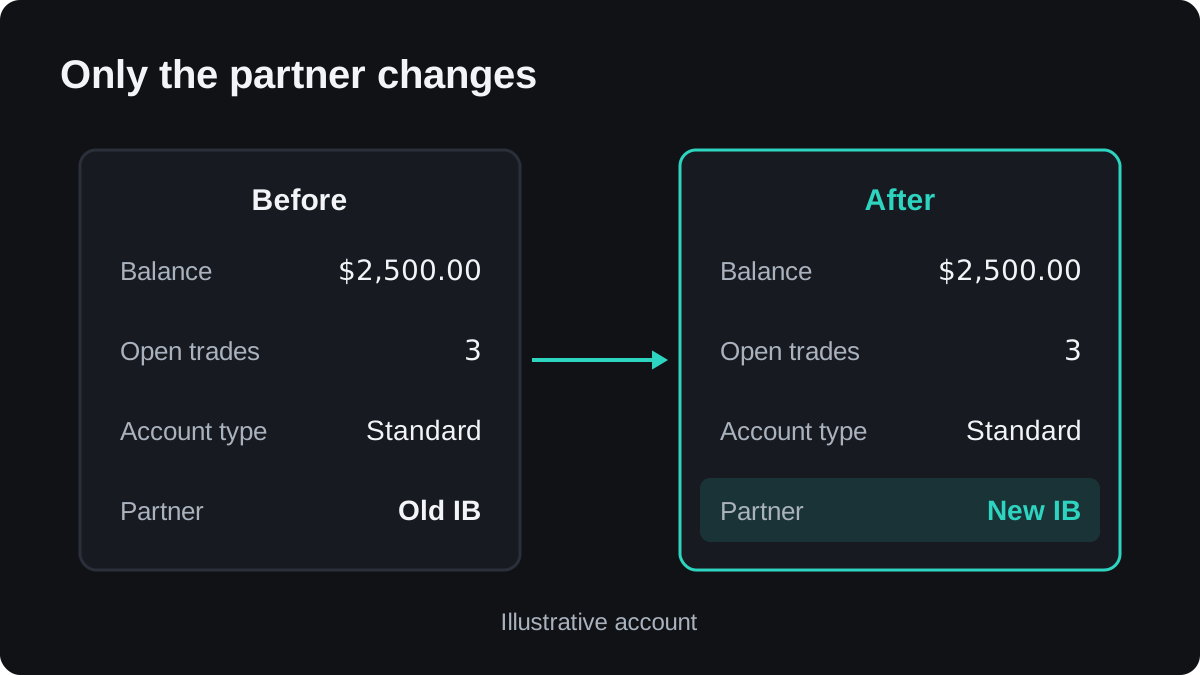
What does change is where the IB commission goes from then on. Rebates follow lots closed after the switch. Volume you traded before it stays credited to whoever was the partner at the time.
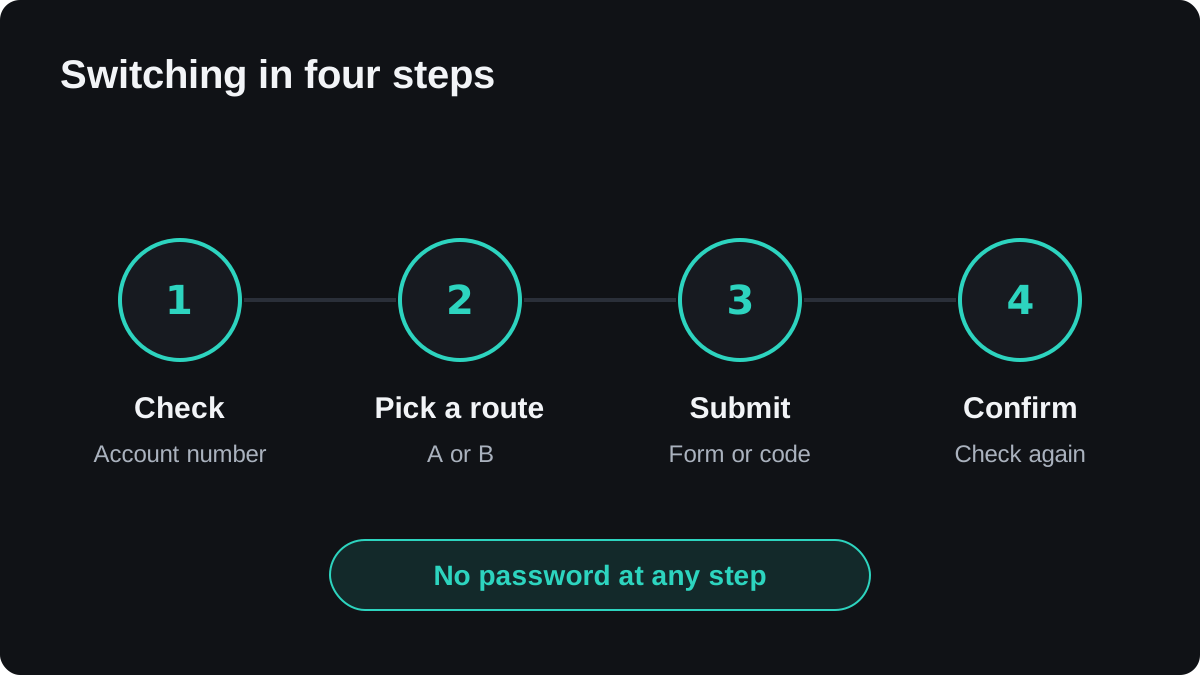
Step 1: check where the account sits today
Before you move anything, find out who the partner is now. Each AutoFXRebate broker page has a check: you enter your account number and it reads the partner field, nothing else. It never asks for a password.
If the result says the account is not found in the AutoFXRebate network, that only means it is not under AutoFXRebate. It does not tell you whether the account sits with another IB or directly with the broker.
Step 2: pick a route
Brokers usually allow one or both of these.
Route A: a new account under the new partner. You open a fresh trading account through the new IB's link or partner code. The old account keeps its balance and positions until you decide otherwise.
Route B: a partner change on the account you have. You ask the broker to move the existing account to the new partner, usually through a form or support chat. The account number, history and positions stay as they are.
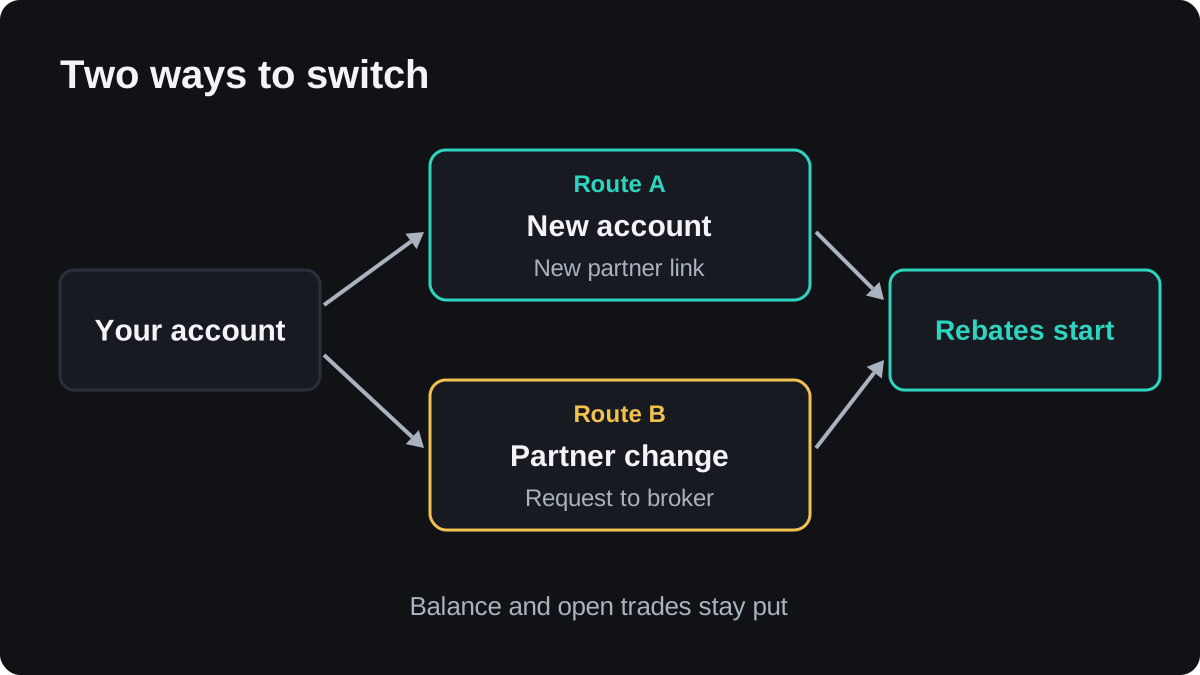
Route A is often faster, because there is no request to approve. Route B keeps everything on one account, but the broker decides whether to accept it and how long it takes.
Step 3: follow the broker's own steps
Each broker runs this differently. Here is what the Exness and XM pages described on 29 October 2026.
| Broker | Route | Where you do it | Partner code |
|---|---|---|---|
| Exness | New account with an email not used at Exness before | The sign-up link | afr |
| Exness | Partner change on the existing account | Exness Assistant chat, "Change Partner" | afr |
| XM | Additional trading account | Member Area, Account Overview | 6TJJT |
At Exness, the same identity document can verify the new account, and a partner change takes a couple of days. At XM, the rebate starts from the first closed lot on the added account.
One practical tip from those pages: open the partner link in a private browser window. A browser that still remembers an older referral can attach the new account to the wrong partner.
Step 4: confirm the switch worked
When the broker confirms, run the account check again. It should now show the account under the new partner. Then trade as usual and watch for the first rebate after your next closed lot.
If nothing arrives after a few closed lots, contact the new IB with your account number. Do not send a password; a genuine partner never needs one to look into this.
Common worries
Do I have to tell my old IB? Not usually. The change goes through the broker, and the broker's process is the one that counts.
Do I need to close my trades first? No. On Route B the account is the same account. On Route A the old account simply carries on until you choose to close its positions.
Will my costs change? They should not. If they do, compare your spread with the same account type on the Spread Checker. Before you sign up with anyone, also run through the rebate red flags.
Questions
Will moving my account to a new IB close my open trades?
No. A partner change only updates the partner on the account, and a new account leaves the old one and its positions as they were.
Do I need to withdraw my money before switching IB?
No. Your balance is held by the broker in your trading account and does not move when the partner changes.
How long does a partner change take?
It depends on the broker. At Exness it takes a couple of days, while a new account under the new partner is ready once the broker verifies it.
What does "not found in the AutoFXRebate network" mean?
It means the account is not under AutoFXRebate. It does not confirm whether the account is linked to another IB or held directly with the broker.
Does a new IB need my trading password?
No. A genuine IB needs your account number at most. Never share your trading password with anyone.
Keep learning
 Chapter 1What is a forex rebate?A forex rebate is money paid back to you for every lot you trade. It comes from the commission a broker pays the partner who introduced your account, and that partner passes some or all of it back. You trade the same way at the same spread, and the cash arrives per closed lot.
 Chapter 1Where do forex rebates come from?A forex rebate comes from the introducing commission a broker pays the partner who referred your account. That commission is funded by the spread and fees you already pay. The partner passes part or all of it back to you, so you pay nothing extra and your trading conditions stay as they are.
 Chapter 1Rebate vs bonus: what is the difference?A rebate is cash returned for every lot you trade, paid into your balance and withdrawable like any other money. A deposit bonus is usually trading credit sized to your deposit, often with a volume target before any of it can be withdrawn, and it can be removed when you take money out.
 Chapter 1How does a rebate lower your breakeven point?Every trade starts slightly behind, because you pay the spread and any commission the moment you open it. A rebate returns part of that cost per lot, so the net cost is smaller and price needs to travel fewer pips before the trade pays for itself. Here is how to work it out with real rates.
 Chapter 1What are the red flags of a forex rebate service?A sound rebate service only needs your account number to track volume, and the broker pays the rebate into your trading account. Warning signs are requests for your trading password, offers to hold your money, rates with no stated source, slow or unexplained payouts, and pressure to deposit through a private wallet.
 Chapter 1Forex rebates cheat sheet.A forex rebate returns part of the commission your broker pays the introducing partner, per lot you trade. It lowers your net cost and your breakeven distance without changing your spread. This page sums up the chapter: the key formulas, real rates read on 29 October 2026, the switching steps and the warning signs.