How to choose a crypto wallet.
Choose a crypto wallet by working back from what you will do with your coins. Decide who should hold the keys, check that the wallet supports the exact networks you use, look at how it backs up and recovers, and add up what it costs. Then test it with a small amount before you move more.
Someone who buys a little crypto each month and never moves it needs a different wallet from someone who uses crypto apps every day. Start from what you will do, and the list of sensible choices gets short.
The checks below apply to any wallet, whatever its brand. The cost examples use round, illustrative numbers.
Start with how you will use the coins
Match the wallet to the job. The lesson on types of crypto wallet explains each one, and this table maps them to common uses.
| What you plan to do | Wallet type that fits |
|---|---|
| Buy and hold, rarely move | Hardware wallet (cold, self-custody) |
| Small amounts, frequent payments | Phone or desktop app (hot, self-custody) |
| Trade often on one exchange | Exchange account (custodial) |
| Use DeFi apps or NFTs | Browser or phone wallet, paired with hardware |
Using two wallets is normal: an exchange account or phone app for small, active amounts, and a hardware wallet for the rest.
Two questions narrow it down. Do you want to hold your own keys? If you do, how often will you move the coins?
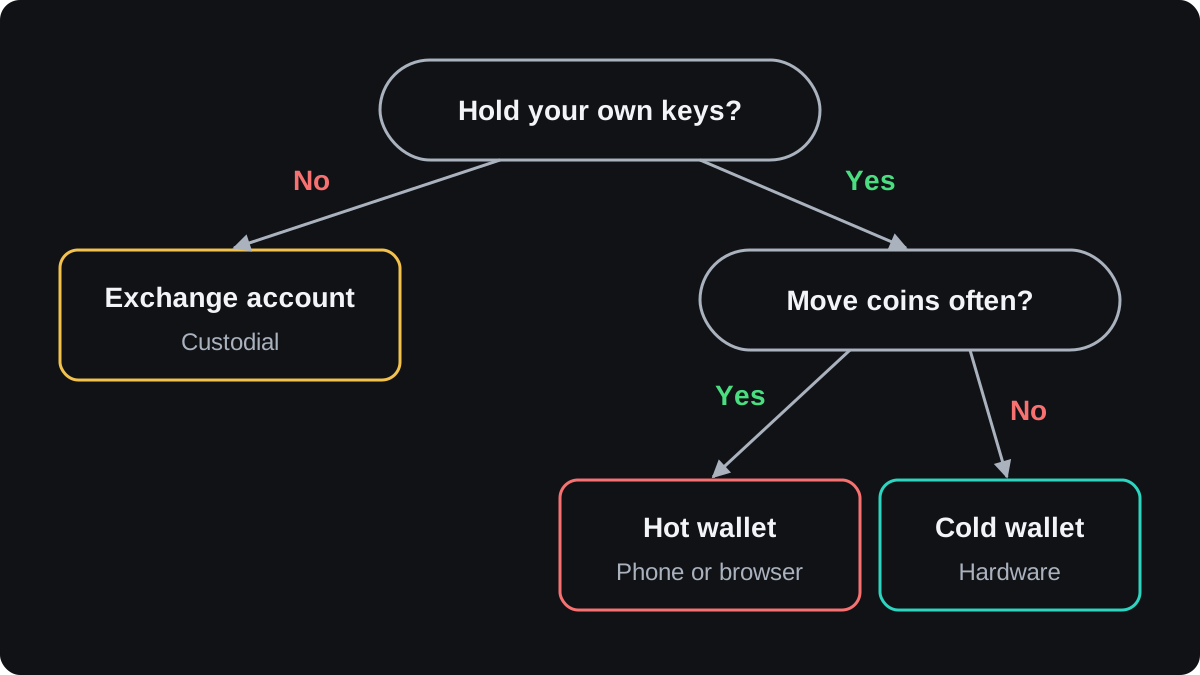
Who holds the keys, and how you get back in
With a custodial wallet, recovery means proving who you are to the company, usually with ID checks and two-factor authentication.
With a standard non-custodial wallet, your seed phrase is the only way back in once the device is lost or broken.
Watch what the wallet does at setup. A standard self-custody wallet should show you a seed phrase and ask you to confirm it.
Some wallets recover in other ways, such as an encrypted cloud backup or a key split with the company. Before you rely on one, read who can approve a recovery, because that party has a say over your coins.
Check the coins and networks it supports
A wallet only shows what it supports. Some handle Bitcoin alone, some handle Ethereum and networks built like it, and some cover dozens of chains.
The same token can live on several networks. A stablecoin such as USDT exists on more than one blockchain, so the wallet must support the network you plan to use as well as the token.
If coins arrive on a network your wallet does not show, they are often still under your keys, but getting them back can take technical work. The lesson on sending and receiving crypto shows how to avoid this.
Security features to look for
Before you trust a wallet with money, check that it has these:
- a PIN or password before it signs anything
- on hardware wallets, a screen that shows the full address and amount before you approve
- a clear preview of what a transaction or app approval will do, in plain words
- source code that is public or independently audited, so outsiders can check it
- a maker with a long public record and one official download page
One route to theft is a fake copy of a real wallet. Fake apps appear in app stores, fake download sites buy search ads, and tampered hardware wallets turn up on marketplaces.
Download only from the maker's official site, and buy hardware from the maker or an authorised reseller. A new hardware wallet should make you create a fresh seed phrase yourself.
If a device arrives with words already printed on a card, do not use it. The lesson on how to spot a crypto scam covers other warning signs.
What a wallet costs
Most wallet apps are free. Your costs come from network fees, any fee the wallet adds on top, and, for cold storage, the price of a device.
The wallet does not keep the network fee. On Bitcoin it goes to miners. On Ethereum part of it goes to validators and the rest is destroyed.
Many wallets let you choose a slower, cheaper fee or a faster, more expensive one.
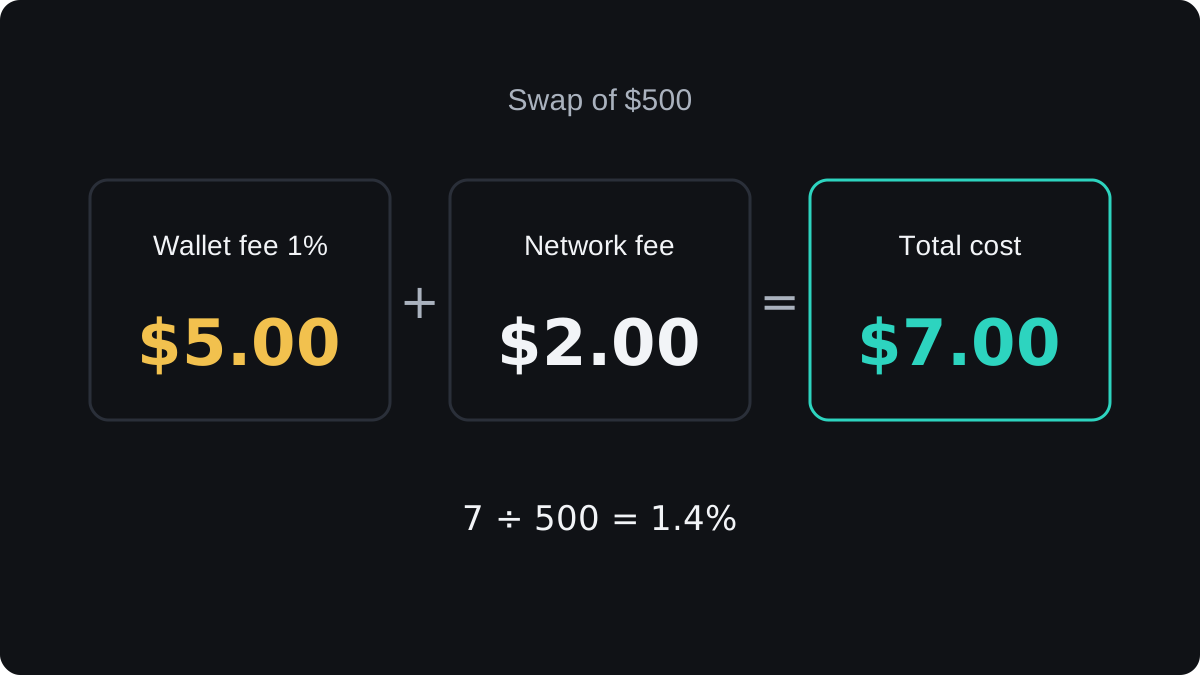
Built-in swaps, where you trade one coin for another inside the wallet, are a common place for an extra charge. Here is an illustration with round numbers:
- You swap $500 of one coin for another inside the wallet.
- The wallet's swap fee is 1%, so 500 × 0.01 = $5.
- The network fee for the swap is $2.
- Your total cost is $5 + $2 = $7, which is 7 ÷ 500 = 1.4% of the swap.
A hardware wallet is a one-off cost. Say a device costs $80, a round illustrative price.
On $400 of crypto that is 80 ÷ 400 = 20% of what you hold. On $8,000 it is 80 ÷ 8,000 = 1%.
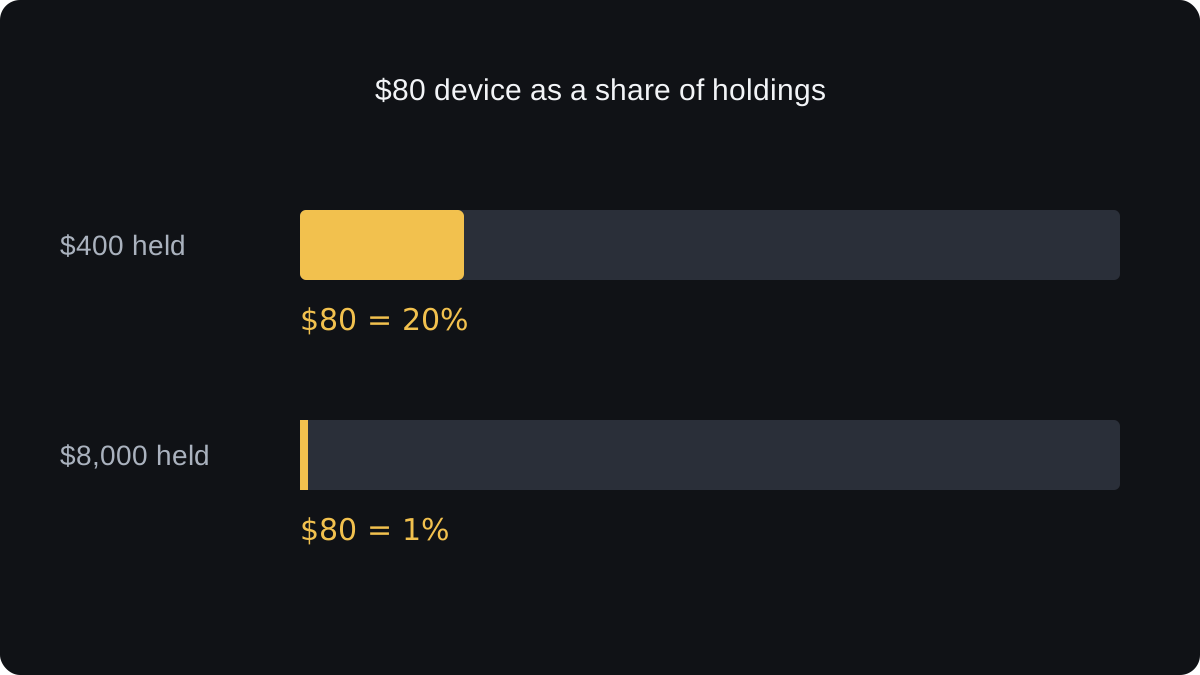
That ratio is one way to judge when a device earns its price. The answer also depends on how much losing the coins would hurt you, and no formula settles that.
Before you move real money
- Install the app from the official source, or unbox the device and let it create a new seed phrase.
- Write the seed phrase on paper and confirm it in the wallet.
- Send a small amount in, then send part of it back out, to prove you can do both.
- Reset the wallet, restore it from your written phrase and check the balance.
- Only then move the larger amount.
Questions
Which crypto wallet is the safest?
No wallet is safe on its own. A hardware wallet with a well-stored seed phrase removes most online risks, but it cannot stop you approving a scam or losing the phrase.
Do I need a hardware wallet?
Not for small amounts you are learning with. Compare the device price with what you hold, and with how much losing that amount would hurt.
Are free crypto wallets safe?
Most wallet apps are free, so price tells you little about safety. Where you download it, whether you hold the seed phrase and how carefully you approve transactions matter far more.
Can I move my crypto to a different wallet later?
Yes. Send the coins to an address in the new wallet, or restore your seed phrase in another compatible app. If anyone may have seen the phrase, send the coins to a wallet with a new phrase.
Is it safe to keep crypto on an exchange?
It is convenient, and you can reset a lost password. The exchange holds the keys, though, so a hack, a freeze on withdrawals or the exchange failing can cut you off from your coins.
Keep learning
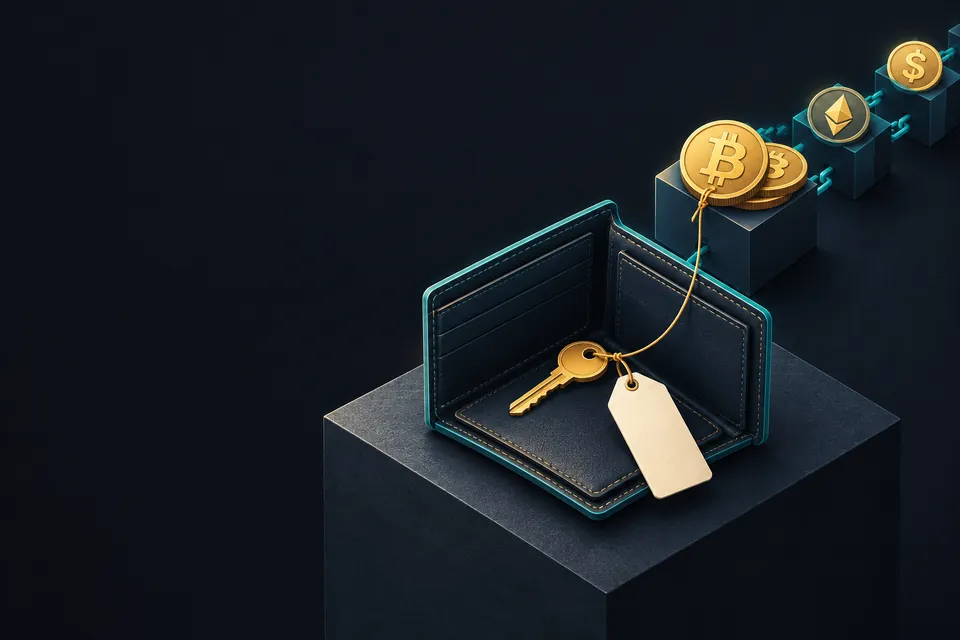 Chapter 3What is a crypto wallet?A crypto wallet is an app or device that stores your private keys and uses them to sign transactions. Your coins never sit inside it: they are records on a blockchain, tied to addresses. The wallet reads those records to show your balance and signs the messages that move the coins.
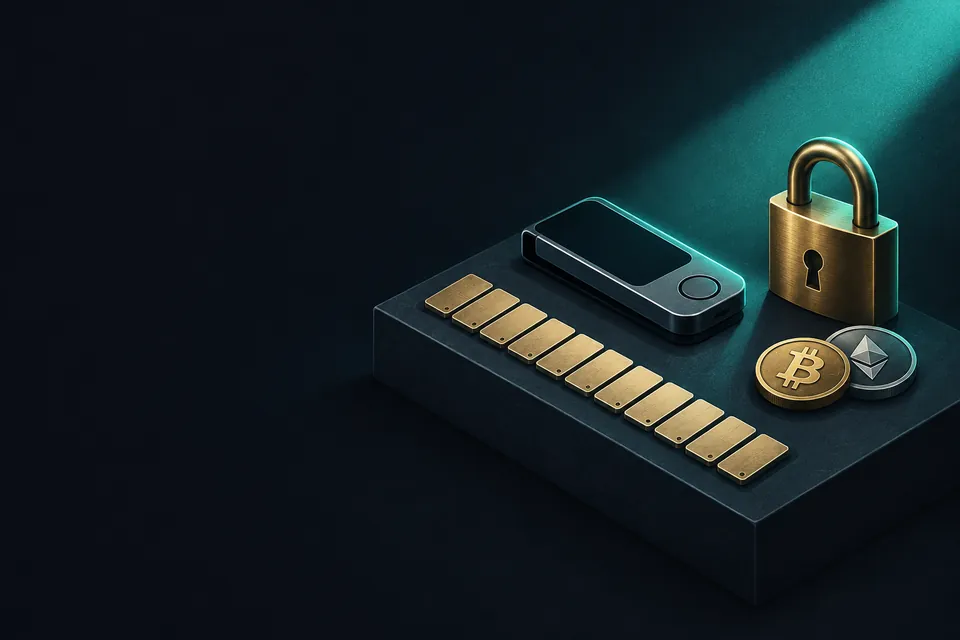 Chapter 3What is a seed phrase?A seed phrase is a list of 12 or 24 ordinary words that encodes the master secret of a crypto wallet. Typed into a compatible wallet, it rebuilds every private key and address you had. Anyone who sees it can take your coins, so it belongs on paper or metal, kept offline.
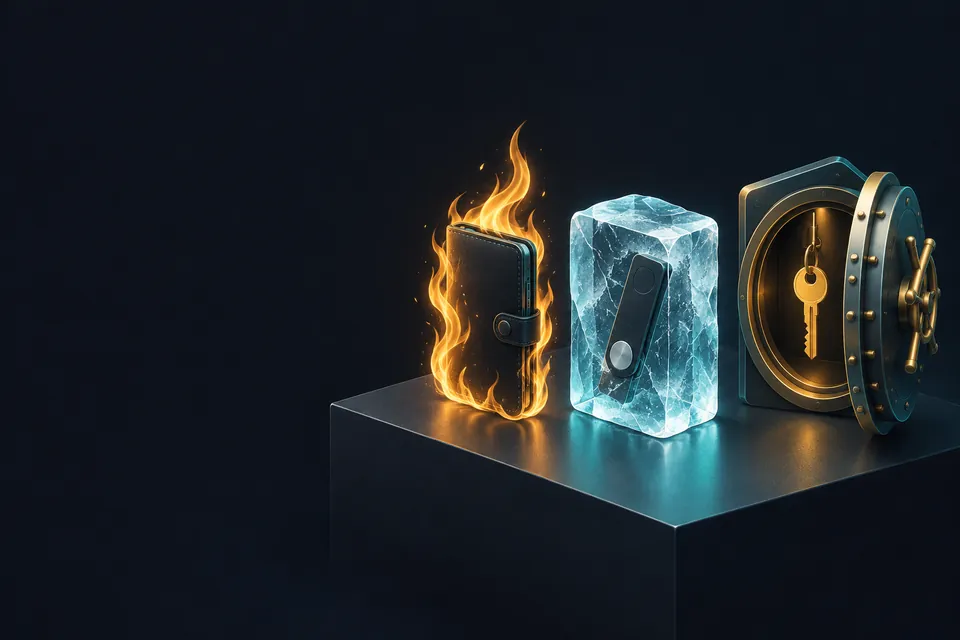 Chapter 3Hot, cold, custodial: the types of crypto wallet.Crypto wallets split along two lines. In a custodial wallet, such as an exchange account, a company holds the keys; in a non-custodial wallet, you do. Hot wallets keep keys on an online device and suit small, frequent payments. Cold wallets keep keys offline, usually on a hardware device, and suit larger amounts you rarely move.
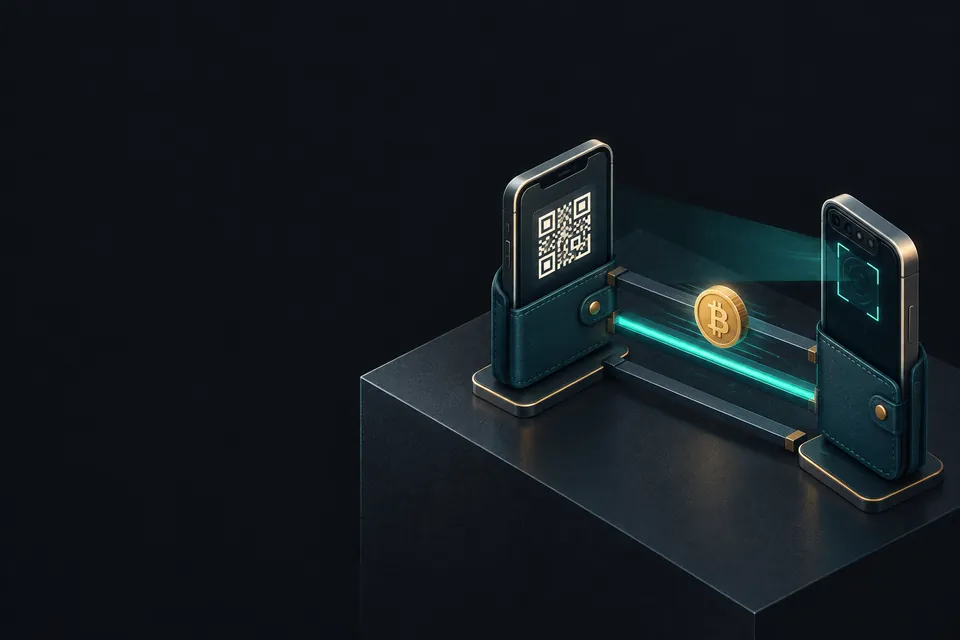 Chapter 3How to send and receive crypto.To receive crypto, you share an address from your wallet for the right coin and network. To send, you paste the recipient's address, pick the same network, enter the amount, check the fee and sign. Transfers cannot be reversed, so check the whole address and test with a small amount first.